Scaling Pickup Operations for Retail and Campus Networks
context
BlueBox's Click & Collect platform expanded beyond traditional retail environments into educational institutions and other distributed pickup networks. While each partner operated differently, building separate experiences for every use case would increase complexity and limit scalability.
This project focused on creating a shared workflow architecture that could support diverse operational needs through configuration rather than partner-specific products.

Team
1 UX Designer, 2 Developers, 1 QA Engineer, 1 Business Development Representative, and Retail Partners
Duration
Summer 2023 – Spring 2026 (Multiple deployments across sectors)
The challenge
Designing a single product for different operational models
Retail stores and educational institutions followed different operational models for parcel pickup, requiring a single product to support both without fragmenting the experience.
UNDERSTANDING OPERATIONAL MODELS
Different contexts revealed shared operational patterns
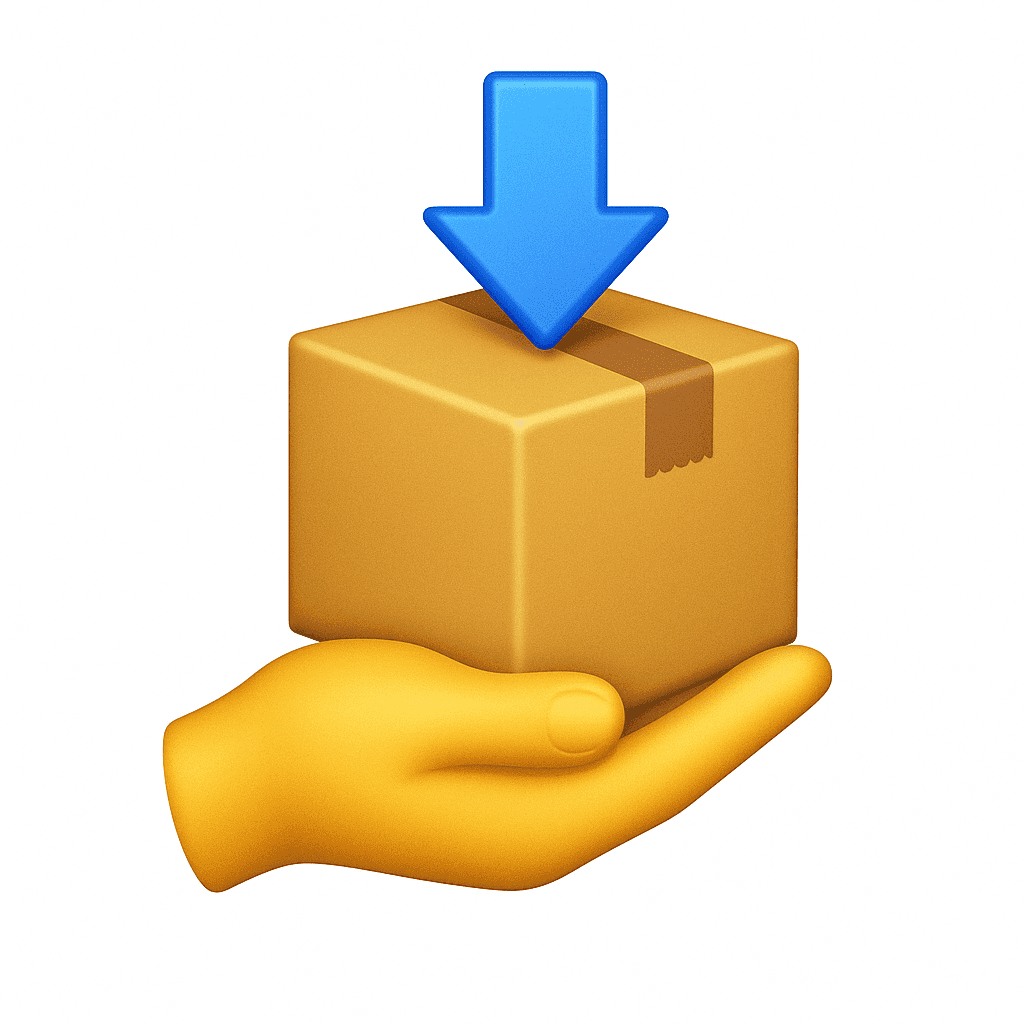
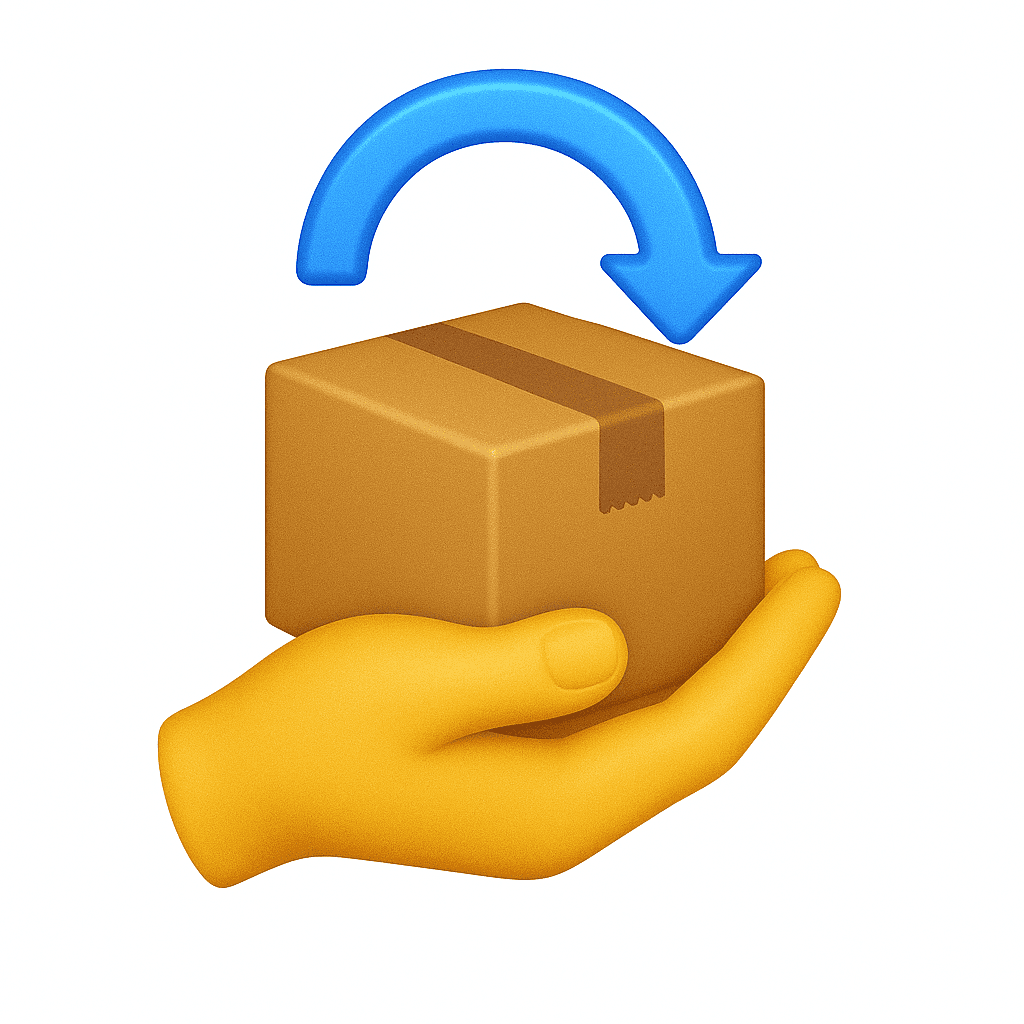
Retail stores and educational institutions operated differently, but mapping their workflows revealed a consistent set of operational stages. These shared patterns became the foundation for a unified workflow that could adapt across sectors through configuration.
Shared Operational Stages


Design approach
Designing for flexibility without fragmentation
Rather than creating separate experiences for every partner, we focused on identifying the operational stages that remained consistent across environments. This allowed us to build a shared workflow foundation while supporting partner-specific requirements through configuration and targeted extensions.
01
Maintain a shared workflow foundation
Keep core operational stages consistent across environments.
02
Support variation through configuration
Adapt identifiers, rules, and partner requirements without creating separate products.
03
Enable platform evolution
Allow new partners and use cases to build on the same platform foundation.
Design Response 1
Creating a shared workflow architecture
To support different operational models without creating separate products, we designed a shared workflow architecture that preserved the same operational foundation while allowing identifiers, access rules, and partner-specific requirements to be configured where needed.
One workflow, multiple operational contexts
Retail setting
Store employees deposit customer orders using an order number, while customers retrieve items with a pickup code.
campus setting
Staff deposit equipment or materials using an employee ID, and authorized users collect items with a pickup code.
// A shared workflow architecture enabled new operational models to be supported through configuration rather than separate product experiences.
Design Response 2
Supporting partner operations through integrations
To support different operational models, the platform integrated with partner systems such as Shopify and institutional databases. These integrations validated identifiers, retrieved user contact information, and automated pickup notifications while preserving a consistent locker workflow across environments.
Connecting locker workflows with partner systems
Staff at Locker
enters Order # / employee ID
Locker Platform
validate ID
API call
Partner System (Shopify / Campus)
returns: validity + contact (phone/email)
Locker Platform
allow assign compartment → staff deposits item
generate pickup code
send notification
API call/messaging service
User (SMS / Email)
receives pickup code
unlocks locker
// Two integrations supported the workflow: identifier validation before deposit and automated pickup notifications after delivery.
These integrations remained largely invisible to users, but were critical to maintaining consistent operations across different environments. Validation and notification services worked behind the scenes to keep workflows consistent while adapting to each partner's requirements.
Design Response 3
Enabling configurable partner experiences
As new partners adopted the platform, they needed experiences that reflected their own identity and operational requirements. Rather than creating separate versions of the product, we built a configurable system that allowed branding, communication, and onboarding experiences to adapt while preserving a consistent product foundation.
Configurable Experience Layers
Visual Identity
Logo
Welcome Screen
Color Palette
Communication
SMS Templates
Email Templates
Partner Configuration
Disclaimer Screen
Contact Information
Domain / URL
//////// Example of Color Palette
Default Palette
Private Club Palette
This configuration framework allowed partners to adapt the platform to their operational and branding needs without requiring separate product experiences or additional development work.
We intentionally limited visual customization to five core colors to balance flexibility, readability, and long-term maintainability.
//////// Example of Email Template
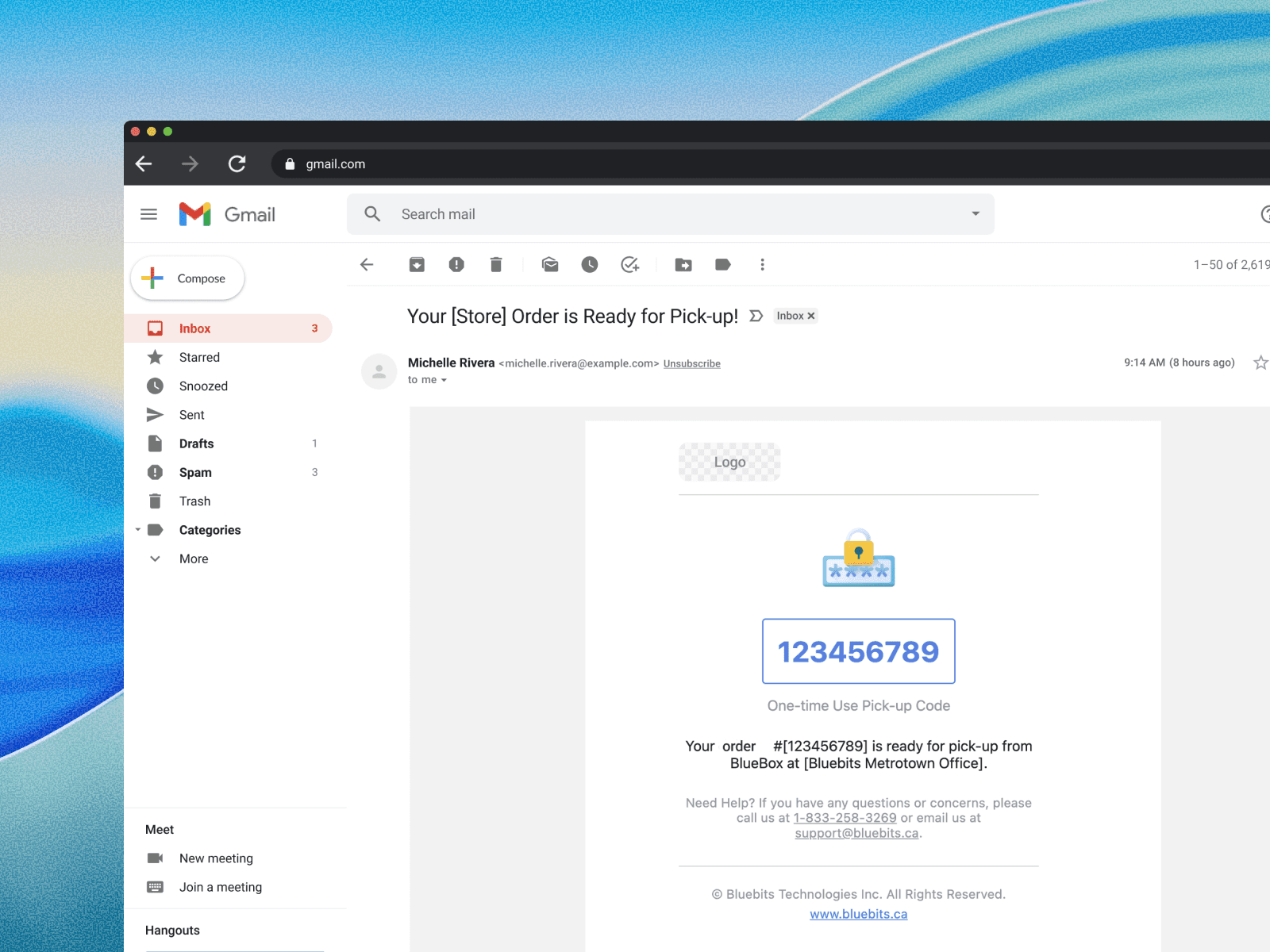
Notification templates were configurable for each partner, allowing branding, messaging, and contact information to adapt while preserving a consistent notification workflow.
//////// Example of Disclaimer Screen

Certain retail partners required customers to acknowledge liability terms before entering the pickup workflow. This optional step was enabled through configuration without changing the underlying product.
Product Impact
Adopted by 10+ post-secondary institutions and expanded across retail and private club environments.
01
Cross-sector adoption
The shared workflow architecture enabled deployments across education, retail, and private club environments without requiring separate product experiences.
02
Operational efficiency
Partners reported reduced manual coordination and more streamlined pickup operations through self-service workflows.
REAL-WORLD SCALING
Evolving to solve more operational needs
After launch, a residential partner approached us with a new challenge: enabling residents to borrow and return shared amenities through the locker system. Although the use case differed from package pickup, the underlying operational flow remained remarkably similar.
Extending the platform without rebuilding it

Rather than creating a separate product, we extended the existing workflow foundation to support amenity sharing. The new use case showed that the platform could evolve through targeted workflow extensions instead of partner-specific products.
Why It Mattered
This deployment demonstrated that the platform could expand into entirely new operational domains without creating separate product experiences.
This platform approach has also led to discussions with healthcare providers and public sector partners, suggesting opportunities to extend the platform into additional service domains.
Platform Evolution
a few final thoughts

This project reinforced that scalable products are built around adaptable operational patterns rather than individual use cases. Seeing the same workflow foundation extend across multiple industries showed that identifying shared operational needs creates solutions capable of scaling well beyond their original context.
As the project evolved, I became increasingly involved in discussions with partners, operations teams, and developers. Understanding how organizations operate in the real world became just as important as refining the interface itself. This experience expanded my role beyond interface design and strengthened my ability to translate operational complexity into scalable product solutions.