Bike Storage System for the City of Burnaby
context
As cycling adoption increased across Burnaby, the city needed a reliable way for riders to securely store their bikes near transit stations and civic spaces. Making locker availability visible and access seamless was key to reducing friction, especially for first-time users navigating multiple locations.
This project delivers a connected bike locker system that integrates physical infrastructure with a mobile experience, enabling riders to locate, access, and manage storage across the city.

Team
1 Product Manager, 1 UX Designer, 4 Developers, 1 QA Engineer
Duration
6 months
problem space
Cyclists need a reliable way to securely store bikes near transit hubs and civic spaces, but existing locker systems often create friction around availability, access, and first-time use.
These challenges become more complex as locker networks expand across the city, requiring systems that clearly communicate availability, simplify access, and support intuitive discovery.
Understanding riders
Rather than relying on fictional personas, we framed riders through behavioral archetypes based on team knowledge and common patterns observed in urban cycling. These archetypes helped capture different riding frequencies and expectations when interacting with the locker network.
60%+
The Everyday Commuter
Designed for flexible, occasional use with minimal commitment and easy access.
25%+
The Recreational Rider
Designed for short trips and transit use with location-aware discovery and quick access.
15%+
The Casual City Rider
Design approach
Designing a city-wide locker network required balancing physical infrastructure, real-time system feedback, and an intuitive experience for riders with different riding patterns.
key features
Accessible Access
An optional NFC key card supports users who prefer not to rely on smartphones, allowing locker access with a simple tap. This hybrid model improves inclusivity and adds reliability when phones are unavailable.
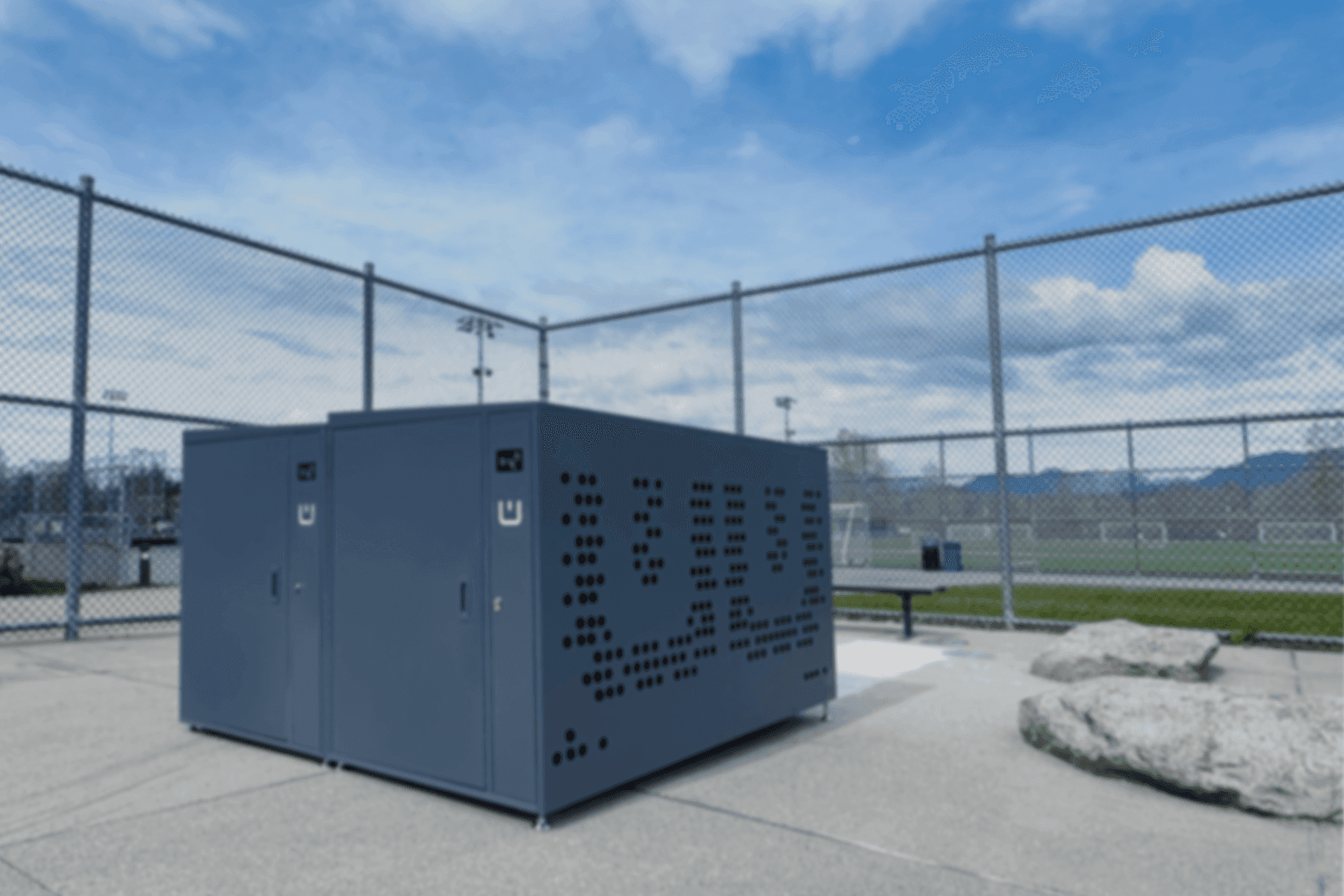
// Unlock your locker with the app or with a quick NFC tap. Both provide the same access and locker availability status.
DESIGN ITERATIONS
Visibility in Real-World Conditions
The locker hardware was limited to RGB LED indicators for communicating locker status. During on-site testing, we found yellow was difficult to distinguish under direct sunlight. We simplified the status system to improve visibility and help riders recognize locker availability at a glance.

SCALING CONSIDERATIONS
Helping riders find lockers before and after arrival
As the locker network expanded, riders encountered two new usability challenges. Before arriving, they needed a faster way to discover nearby lockers. Once on site, they also needed a clearer way to locate their assigned locker within increasingly dense installations.
Supporting Network Growth
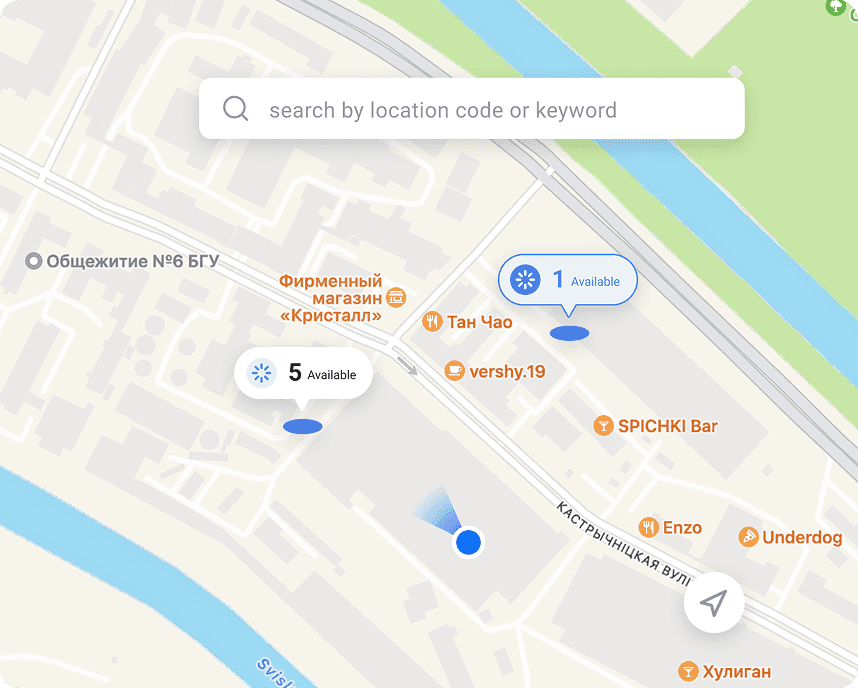
As more locker locations were added, simple lists became harder to scan and compare. We explored map-based discovery to help riders quickly identify nearby available lockers.
Improving On-Site Recognition
Scaling was not only a digital challenge. As locker installations grew in size and density, we introduced a visual wayfinding cue so riders could locate their assigned locker quickly, even from a distance.

Real-world Learnings
Deployment revealed how people interacted with public systems in unexpected ways.
Learning 1
Unexpected Behaviors in Public Systems
Unintended System Exploration
A student discovered a way to interact with the system outside the intended workflow, showing how publicly accessible systems can invite experimentation and expose security gaps.
Strengthened system constraints and reinforced safeguards to maintain reliable operation under unexpected use.
Unintended Storage Use
We observed lockers being used for storage outside their intended purpose, prompting discussions around access control and operating policies.
Introduced operating hours to prevent improper locker use during off-hours.
Learning 2
Designing Beyond Intended Workflows
Real-world usage also showed that users sometimes interacted with lockers in ways that differed from the intended workflow, reinforcing the importance of designing systems that remain resilient to unpredictable behavior.
Users reused Unlock Again to end parking sessions instead of reopening lockers, leaving lockers incorrectly marked as occupied and reducing availability.
Limited Unlock Again to the first five minutes so it could support genuine reopening scenarios without being used to end active sessions.

Product Impact
01
Public Infrastructure Deployment
Successfully launched across multiple public facilities throughout Burnaby, bringing secure bike parking into everyday transit and community spaces.
02
Consistent Rider Adoption
Peak locations averaged 20+ daily locker sessions during cycling season, demonstrating sustained demand for secure bike parking near transit hubs.
03
Connected Physical-Digital Experience
Integrated mobile access, real-time locker availability, and physical infrastructure into a unified rider experience.


a few final thoughts

Working on a 0→1 public infrastructure product made it clear how quickly real-world environments challenge design assumptions. Beyond screens, the work involved navigating hardware constraints, backend systems, and physical installations across public spaces. It reinforced that resilient systems are not defined by ideal flows, but by how they hold up when real-world behaviors deviate from them.
Other Projects

Product Redesign · Design System · Ecosystem Design
Refining BlueBox for Reliability and Scalability
HMI Interface · Operational Workflows · Platform Scaling
Scaling Pickup Operations for Retail and Campus Networks
Nonprofit Product · Impact Reporting · Responsive Design
Designing for Donor Transparency and Trust